
An anniversary surprise they open with a link.
A private web page made from your photos, your song, a letter in your own words and a counter of every second you’ve been together. You make it on your phone in a few minutes; they open it in any browser, by link or QR code.


- Free to download
- They don't need the app
- Works for monthsaries too
What they see
One tap on the link. Then it’s all about you two.
- 01
They open the link or scan the QR code
Sent at midnight, hidden in a card or shown on your phone at dinner. It opens in the browser, with nothing to install and no account.
- 02
Your song starts and your photos come in
One by one, in the style you picked: a romance movie poster, a Wrapped-style recap, a retro video game, a comic book and more.
- 03
Your letter and your time together
It ends with your words and a live counter of how long you’ve been together, down to the second.
It’s still there the next day, for them to open again and show their friends.
What goes into a surprise link
A good surprise website is personal before it is pretty. These are the parts that make it land:
- Photos that tell your story in order: the first picture together, the trips, the silly ones that only make sense to you two. You can add up to ten, so pick the ones that tell the story.
- Your song: the one from your first date, the one you always sing in the car, or the one that played when you said “I love you” for the first time.
- A letter in your own words: it doesn’t need to be long. What you felt at the start, what you love now and what you’re looking forward to.
- Your time together: a live counter of years, months, days and seconds since the day it all began. It’s the part people screenshot.
Ideas for giving it
- At midnight: send the link the minute your anniversary or monthsary starts, so it’s the first thing they see.
- Inside a card or a gift: print the QR code and tuck it into a card, stick it on a gift box or hide it under a plate at dinner.
- Long distance: when you can’t be there, a link with your photos and your song is the next best thing. Plan a video call while they open it.
- On a trip: show it on your phone at the place where you first met, or at a view you’ve been saving for the occasion.
Anniversary, monthsary or “just because”
The same surprise works for every date. For a monthsary, the counter shows the months you’ve reached (and the monthsary calculator tells you which one is next). For an anniversary, a recap style like Wrapped or Cinema fits a whole year of photos. Married couples also get the Anniversary style, in the colors of their wedding anniversary year.
Pick the mood
Seven styles, one story: yours.
Every style uses the same photos, song and letter. Tap one to open a real example.
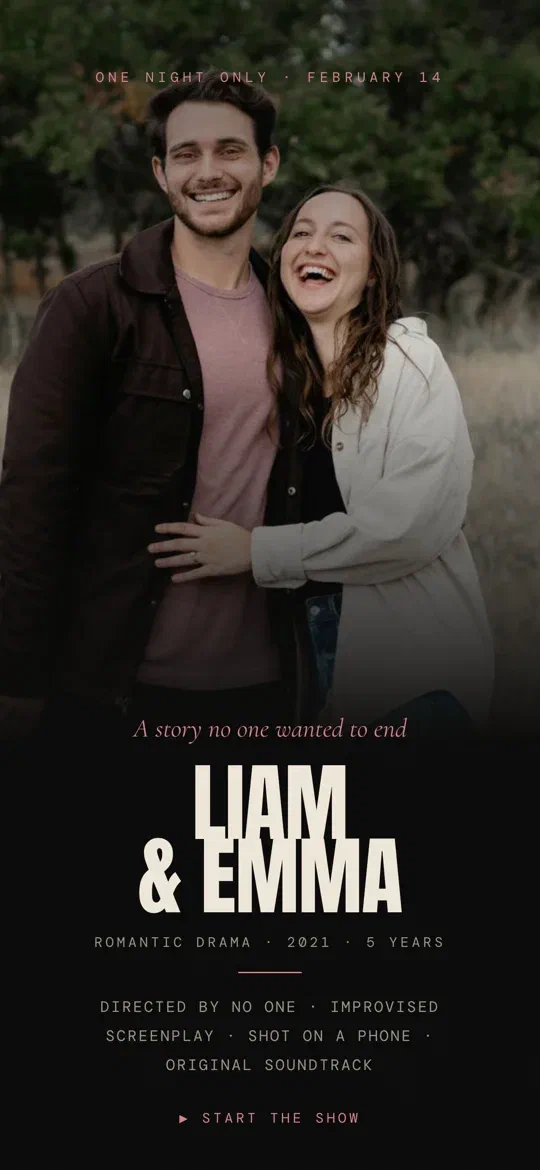
Cinema
A romance movie poster starring the two of you.
See it live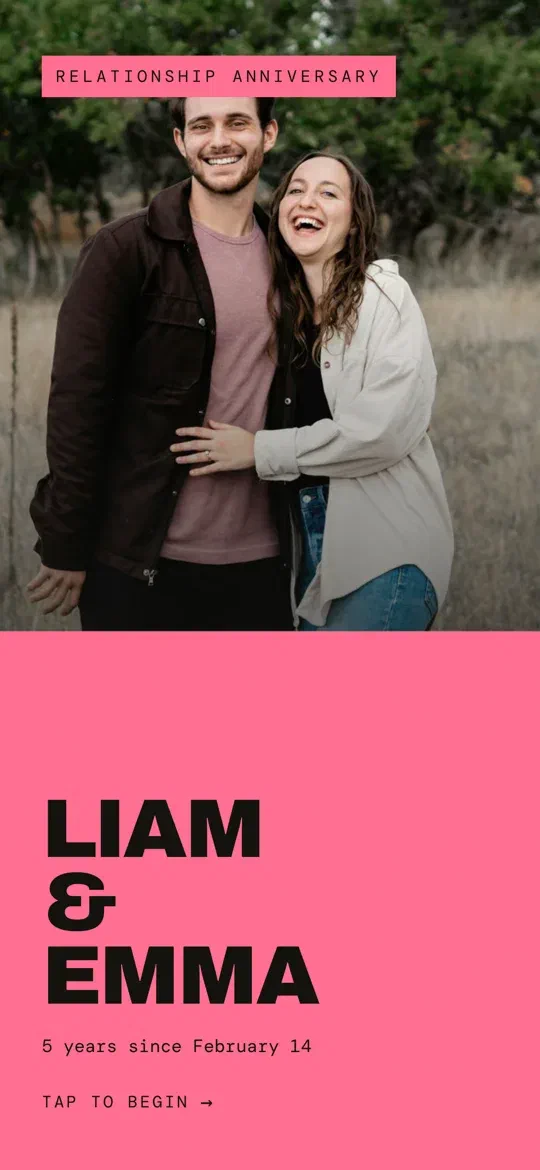
Wrapped
Your months together, told Wrapped-style.
See it live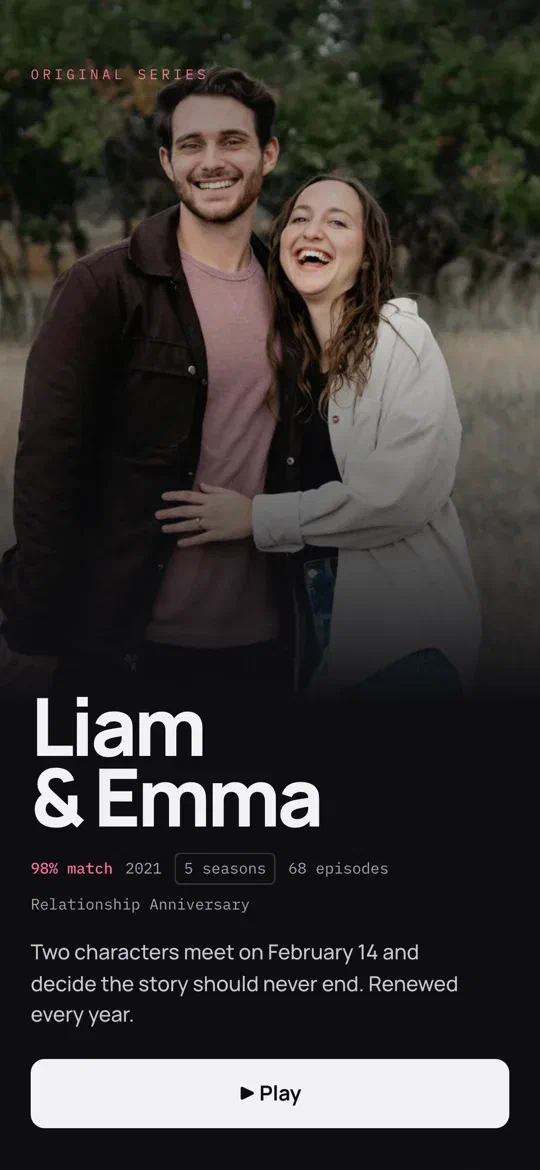
Streaming
You two as the series everyone is talking about.
See it live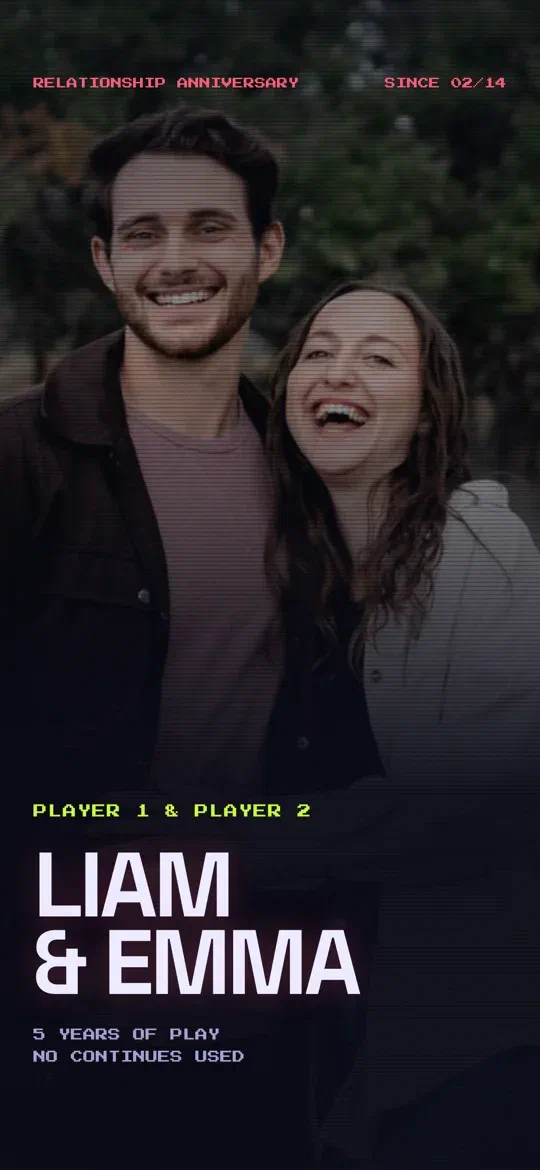
Video Game
Player 1 and Player 2 in your own retro game.
See it live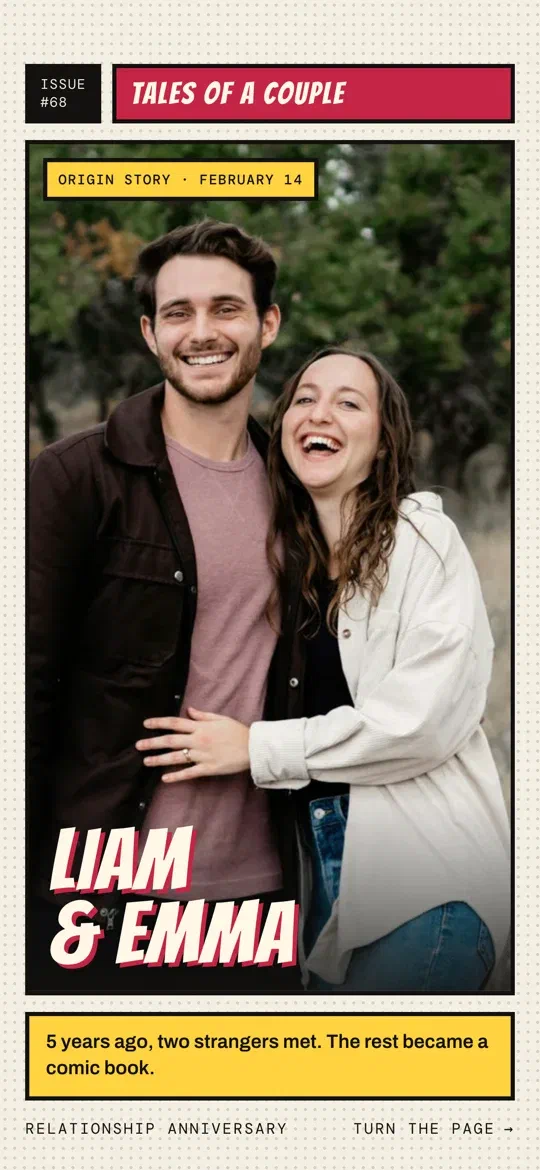
Comic Book
Your love story, panel by panel.
See it live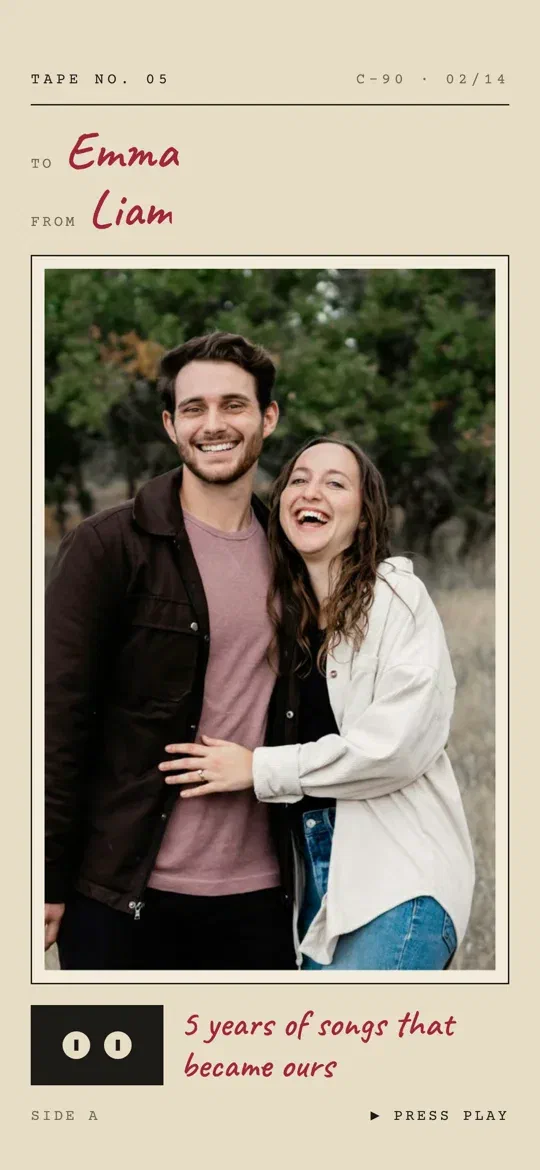
Mixtape
A hand-labeled cassette, made for the one you love.
See it live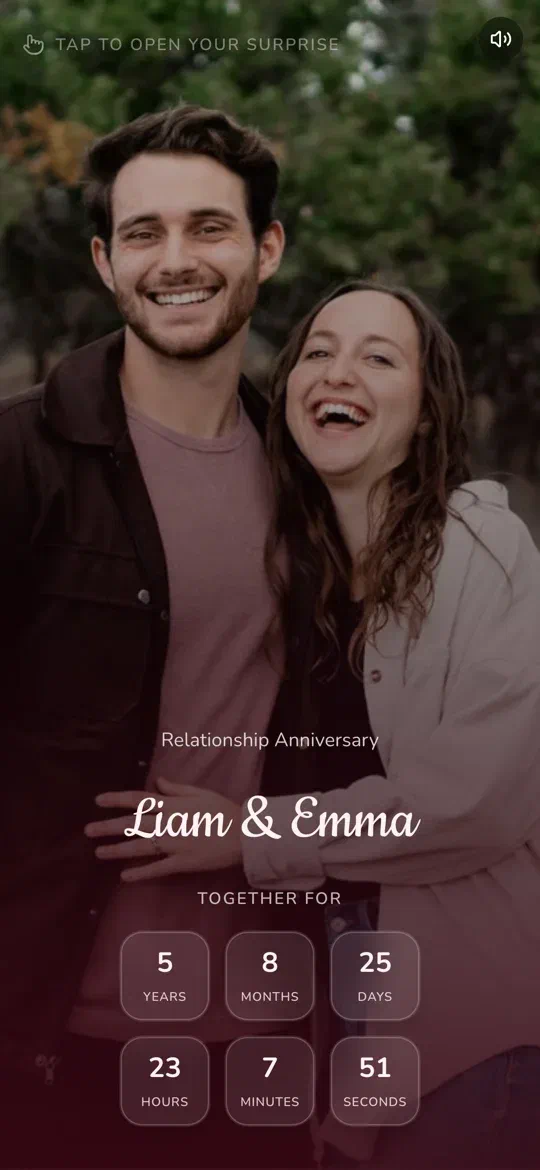
Classic
A timeless romantic page with your photos, song and letter.
See it live
How to make one
Your surprise link, ready in minutes.
Everything happens in the LoveMemo app, on iPhone or Android.
Tell your story
Your names, the day you got together and the occasion: anniversary, monthsary, birthday or just because. Then write your letter.
Add your photos, your song and a style
Choose your favorite photos together, the song that’s yours, one of the 7 styles and a color theme.
Send the link or the QR code
Publish it and you get a private link and a QR code, ready to send, print or hide inside a gift.
Questions
Surprise website questions.
What is an anniversary surprise website?
Does my partner need to download anything?
Is it free?
Can I make one for our monthsary?
Can I change it after I send it?
Is it private?
Their next anniversary, with a link they’ll keep.
Download LoveMemo for free, add your photos, your song and your words, and send a surprise they open with one tap.
Free to download
Scan to download the app